 Needs owners2 of 5 so far
7.52 press
$449
was $499
10% off
No owners yet. Here's everything else.
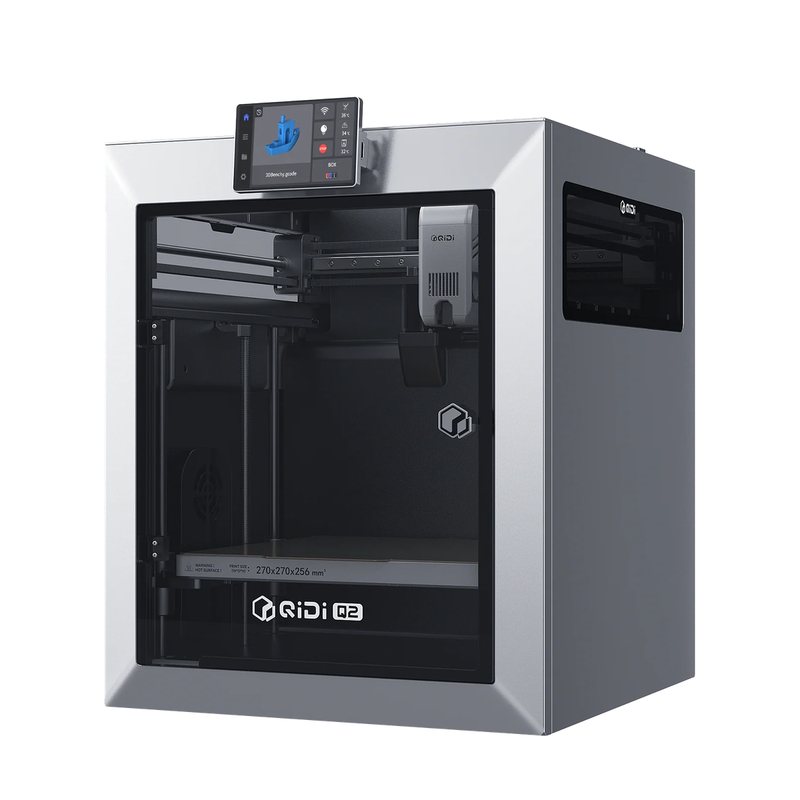
Replaced by the QIDI Q2.
0 of 5 owners · 5 more and the score goes live.
No longer sold new. Reviews and known issues still apply.
View at QIDI storeReviewers earn Spools (site points) for any review, good or bad. Spools never change a score.
No owner reviews yet. If you own a Q1 Pro, yours will be the first, and it starts this printer's ranking.
No verified owners yet. Post a photo of yours with your code and be the first on the wall.
No price history yet.
From brand advisories, owner forums and reviews, with sources on each. Newest first. Tap one for what happens and what fixes it.
The chamber heater runs straight off wall power behind a safety grid, and Tom's Hardware warns you could get a shock by reaching in with a tool while it runs. The heater is not marked as hazardous. 3DPrintBeginner said it exposes live power, and 3DWork called the EU heater design potentially dangerous.
What fixes it: Never reach into the heater area while the printer is plugged in. A known-issues roundup says QIDI released a printable touch-proof cover for the heater.
From public reports: tomshardware.com, 3dprintbeginner.com, 3dwork.io, printer-hub.com · Confirm or add a fix
A known-issues roundup lists "Heater extruder not heating at expected rate" and "Lost communication with MCU MKS_THR" errors that stop prints, and traces them to a faulty hotend, the toolhead Type-C cable, or the toolhead adapter board. It also warns the ceramic heater can crack if the block is clamped wrong during nozzle changes.
What fixes it: The roundup suggests swapping in a spare hotend to isolate the fault, then replacing the hotend, Type-C cable or adapter board through QIDI support, and holding the heater block by its body when changing nozzles.
From public reports: printer-hub.com · Confirm or add a fix
With the lid and door closed, the warm chamber can soften low-temperature filament above the melt zone, causing jams. 3DWork warns about this for PLA and TPU, and a known-issues roundup also covers PETG.
What fixes it: For PLA, PETG and TPU, remove the top cover, crack the front door and run part and aux fans at 50% or more. Clear a clog with a cold pull.
From public reports: 3dwork.io, printer-hub.com · Confirm or add a fix
The belt tensioners are held by only two screws and can move, and 3DPrintBeginner saw ringing and vibration artifacts on both axes. 3DPrint.com saw minor surface ripples and fixed them by adjusting belt tension and re-running input shaping.
What fixes it: Re-tension the X and Y belts and re-run input shaping, which fixed ripples for one reviewer.
From public reports: 3dprintbeginner.com, 3dprint.com · Confirm or add a fix
The printer runs a customized, outdated Klipper build that cannot be easily updated, and one reviewer found the launch slicer profiles lacked generic PETG, ASA and TPU. Firmware 4.4.15 to 4.4.24 added or fixed power-loss resume, fixed a WLAN setting that could block booting, and fixed slow filament break detection, but did not move to mainline Klipper.
What fixes it: Update with QIDI's USB packages from its GitHub releases. One reviewer used similar profiles (PETG-CF for PETG, ABS for ASA) in place of the missing ones.
From public reports: 3dprintbeginner.com, 3dwork.io, github.com · Confirm or add a fix
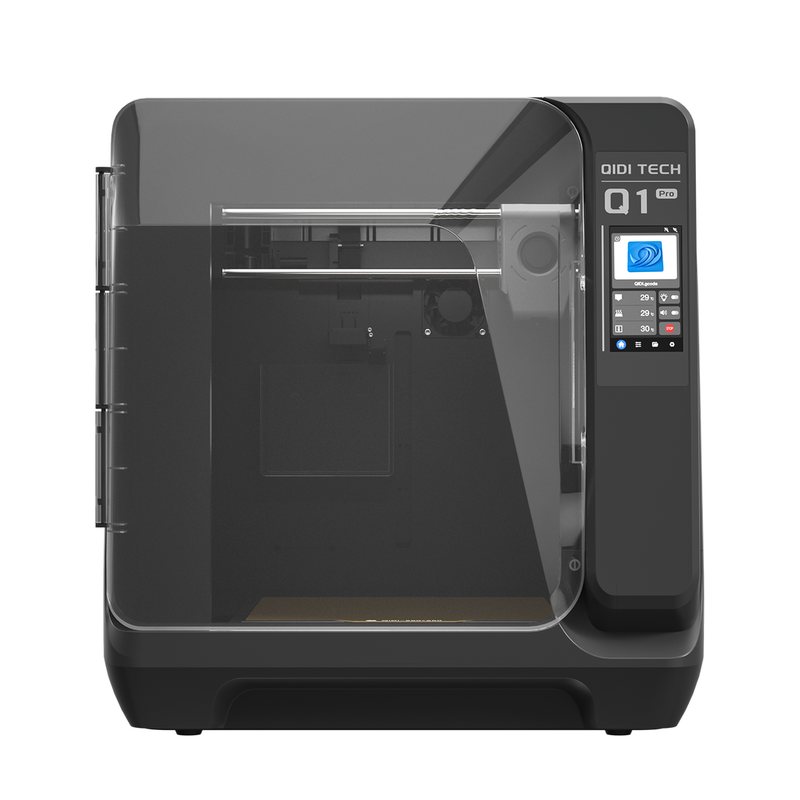
A compact enclosed CoreXY printer with a 60 °C heated chamber and 350 °C hotend, now replaced by the QIDI Q2. Still a common used buy for people who want engineering-material capability in a small footprint.
Needs owners2 of 5 so far
7.52 press
Fast, high quality enclosed printing well beyond its price point, with only the cheap-feeling casing holding it back.
Read the full review on TechRadar · by Alastair Jennings
Fixes many small CoreXY annoyances and sets up easily, but the reviewer hesitated to recommend it to beginners because the chamber heater is not marked as a hazard.
Read the full review on Tom's Hardware · by Denise Bertacchi