 Needs owners4 of 5 so far
9.02 press
$449
was $549
18% off
Owners like it. Good time to buy.
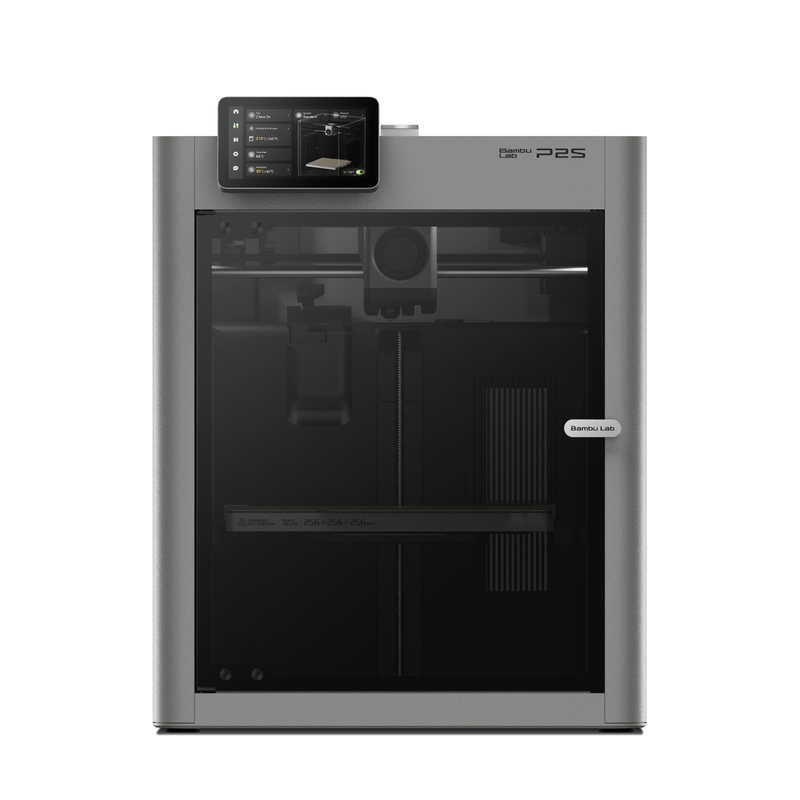
Replaced by the Bambu Lab P2S.
Early read. Firms up at 25 owners.
Price checked Nov 9 on the official US store.
Rate yoursReviewers earn Spools (site points) for any review, good or bad. Spools never change a score.
Owned over 2 years
I love my P1S, great starter machine, works well, printed PLA, PETG, ABS and TPU, TPU works better on my P1S then my H2C, I never had to replace any parts only the nozzles and a new plate. I like it but it's getting outdated.
With the use of my newer machines (H2C, H3C), the P1S doesn't have any AI detection and I had some issues with that but still a great machine.
Owned 1 to 2 years · Biggest problem: Had a build plate collision.
Owned 6 to 12 months · Biggest problem: nothing broke ever. 5100hours ! still printing perfectly :D
Owned 1 to 2 years · Biggest problem: Poops don't always go down in the poop bucket
Owned over 2 years · Biggest problem: Blob of death… and a board error
No verified owners yet. Post a photo of yours with your code and be the first on the wall.
Good time to buy. Now $349. At or near the lowest price we have tracked. Tracked since Jan 2026.
| Week of | Lowest price | vs median | Source |
|---|---|---|---|
| Nov 17, 2025 | $399 | $0 | dated deal report |
| Nov 24, 2025 | $399 | $0 | dated deal report |
| Dec 1, 2025 | $399 | $0 | dated deal report |
| Dec 8, 2025 | $399 | $0 | dated deal report |
| Dec 15, 2025 | $399 | $0 | dated deal report |
| Dec 22, 2025 | $399 | $0 | dated deal report |
| Dec 29, 2025 | $399 | $0 | dated deal report |
| Jan 5, 2026 | $399 | $0 | dated deal report |
| Jan 12, 2026 | $399 | $0 | dated deal report |
| Jan 19, 2026 | $399 | $0 | dated deal report |
| Jan 26, 2026 | $399 | $0 | dated deal report |
| Feb 2, 2026 | $399 | $0 | dated deal report |
| Feb 9, 2026 | $399 | $0 | dated deal report |
| Feb 16, 2026 | $399 | $0 | dated deal report |
| Feb 23, 2026 | $399 | $0 | dated deal report |
| Mar 2, 2026 | $399 | $0 | dated deal report |
| Mar 9, 2026 | $399 | $0 | dated deal report |
| Mar 16, 2026 | $399 | $0 | dated deal report |
| Mar 23, 2026 | $399 | $0 | dated deal report |
| Mar 30, 2026 | $399 | $0 | dated deal report |
| Apr 6, 2026 | $399 | $0 | dated deal report |
| Apr 13, 2026 | $399 | $0 | dated deal report |
| Apr 20, 2026 | $399 | $0 | dated deal report |
| Apr 27, 2026 | $399 | $0 | dated deal report |
| May 4, 2026 | $399 | $0 | dated deal report |
| May 11, 2026 | $399 | $0 | dated deal report |
| May 18, 2026 | $399 | $0 | dated deal report |
| May 25, 2026 | $399 | $0 | dated deal report |
| Jun 1, 2026 | $399 | $0 | dated deal report |
| Jun 8, 2026 | $399 | $0 | dated deal report |
| Jun 15, 2026 | $369 | −$30 | dated deal report |
| Jun 22, 2026 | $369 | −$30 | dated deal report |
| Jun 29, 2026 | $369 | −$30 | estimated end of a sale |
| Jul 6, 2026 | $399 | $0 | estimated end of a sale |
| Jul 13, 2026 | $399 | $0 | estimated end of a sale |
| Jul 20, 2026 | $399 | $0 | estimated end of a sale |
| Jul 27, 2026 | $399 | $0 | estimated end of a sale |
| Aug 3, 2026 | $399 | $0 | estimated end of a sale |
| Aug 10, 2026 | $399 | $0 | estimated end of a sale |
| Aug 17, 2026 | $399 | $0 | estimated end of a sale |
| Aug 24, 2026 | $399 | $0 | estimated end of a sale |
| Aug 31, 2026 | $399 | $0 | estimated end of a sale |
| Sep 7, 2026 | $399 | $0 | estimated end of a sale |
| Sep 14, 2026 | $399 | $0 | estimated end of a sale |
| Sep 21, 2026 | $399 | $0 | estimated end of a sale |
| Sep 28, 2026 | $399 | $0 | estimated end of a sale |
| Oct 5, 2026 | $399 | $0 | estimated end of a sale |
| Oct 12, 2026 | $399 | $0 | estimated end of a sale |
| Oct 19, 2026 | $399 | $0 | estimated end of a sale |
| Oct 26, 2026 | $349 | −$50 | store check |
| Nov 2, 2026 | $349 | −$50 | store check |
| Nov 9, 2026 | $349 | −$50 | store check |
| Nov 16, 2026 | $349 | −$50 | store check |
From brand advisories, owner forums and reviews, with sources on each. Newest first. Tap one for what happens and what fixes it.
Bambu's authorization control firmware requires approved software to start prints and control the printer. On updated P1 firmware, third-party tools that sent jobs or controlled the printer directly stop working unless the printer is put in LAN-only Developer Mode. Status reporting and SD card printing are unaffected.
What fixes it: Enable LAN Only mode plus Developer Mode, use Bambu Connect, or stay on older firmware.
From public reports: blog.bambulab.com, feedback.simplyprint.io · Confirm or add a fix
P1S owners report the hotend reading 0 or throwing nozzle temperature errors, often after clearing a clog or reseating the hotend. Fixes vary: one owner found a torn TH board FPC cable, while others replaced the hotend, TH board and cables without success. Two owners said rolling back to older firmware (one named 1.07, from 1.08) got them printing again.
What fixes it: Reseat hotend connectors and inspect the TH board FPC cable for tears. Some owners recovered by downgrading firmware; others needed toolhead parts from support. Results are mixed.
From public reports: forum.bambulab.com, forum.bambulab.com, forum.bambulab.com · Confirm or add a fix
Some P1S printers stop with a heatbed temperature malfunction error, or show the bed heating while the target reads 0. One owner said it got steadily worse until the printer was unusable. No single cause has been confirmed.
What fixes it: Check the bed power and signal cable connectors (Bambu's wiki covers cable, AC board and heatbed checks). A restart cleared it temporarily for one owner; otherwise open a ticket.
From public reports: forum.bambulab.com, wiki.bambulab.com · Confirm or add a fix
With PLA on the textured plate (55 °C bed) and the enclosure shut, the chamber can get warm enough for filament to soften above the hotend and jam, especially in a warm room. Bambu's wiki names enclosure heat as the most common clog cause on the P1S and X1 Carbon.
What fixes it: Bambu recommends removing or opening the front door and top cover for PLA, PVA and TPU. Owners also leave the door cracked and a gap at the top glass on long prints.
From public reports: wiki.bambulab.com, forum.bambulab.com · Confirm or add a fix
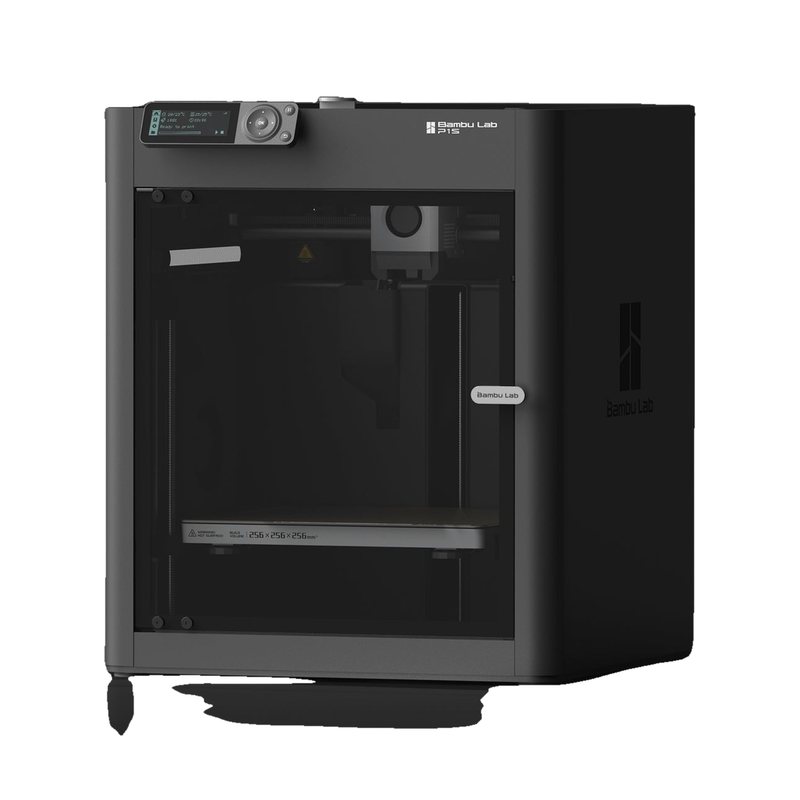
An enclosed CoreXY printer with a 256 mm cubed build volume, aimed at hobbyists who want to print ABS and ASA as well as PLA. It supports AMS multi-color printing, has a built-in chamber camera, and remains on sale alongside its successor, the P2S.
Needs owners4 of 5 so far
9.02 press
 8.7from 9 owners · early
9.52 press
 Needs owners4 of 5 so far
9.01 press
A well-balanced, easy plug-and-print machine with a good app and enclosure that suits beginners, especially in the AMS combo.
An Editor's Choice that hits a sweet spot of affordable CoreXY speed, high-temp material support and optional AMS multicolor.
Read the full review on Tom's Hardware · by Denise Bertacchi
After six months of running the P1S almost nonstop, Keo calls his experience excellent: prints are fast, clean and repeatable, and the only problem was Z-banding from his own skipped lead screw cleaning. He says it is still a really good bang for the buck, while asking whether newer printers now match it at the same price.
Dec 13, 2024 · Bought by KeoPrints
Comments (0)
Log in to join the discussion.